I use this blog as an operating manual for shipping practical AI workflows in Obsidian.
I publish concrete systems I can run repeatedly, not vague theory.
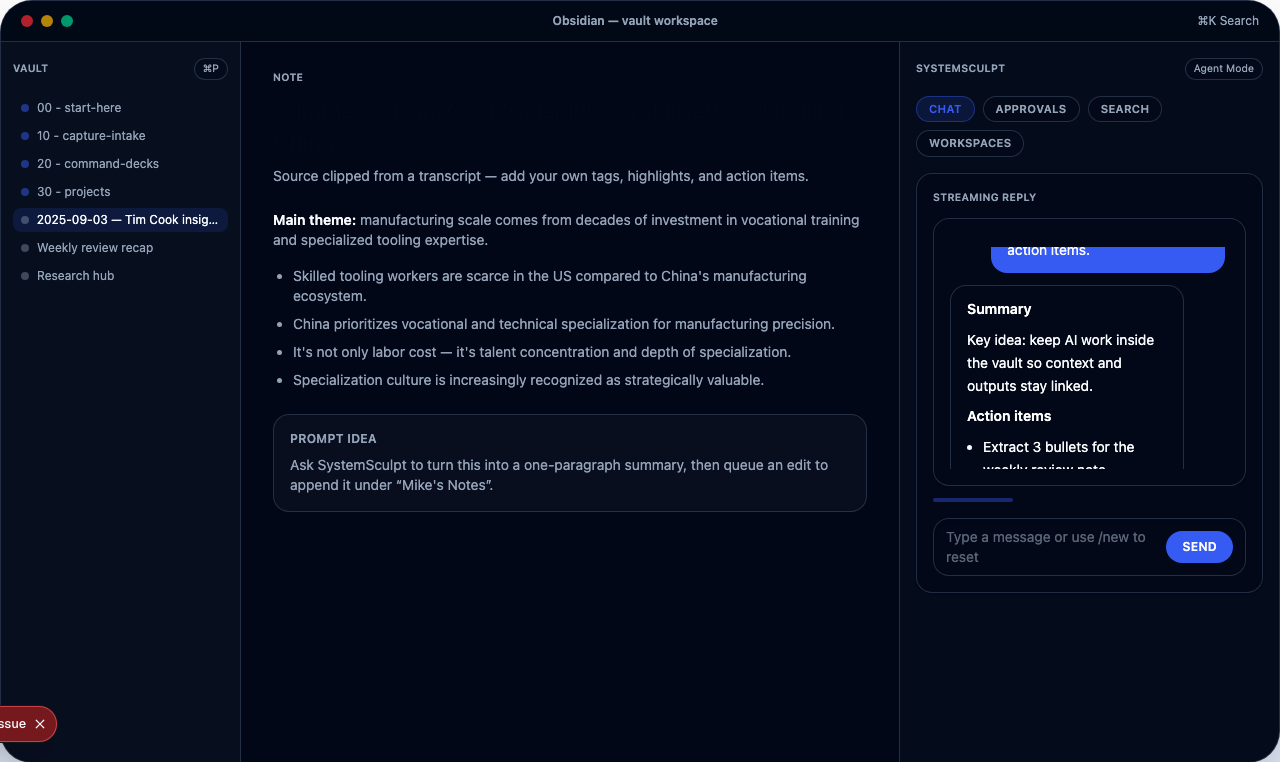
What I publish here
- Obsidian workflows that reduce operational drag
- Product changes that improve activation and retention
- Business offers that move people from prototype to production
- Reusable templates and prompts tied to clear routes
If you want low-volume updates, use the signup box on this page.
How I recommend you use this blog (first 7 days)
Day 1: pick one path and commit
- Self-serve path: SystemSculpt Pro + SystemSculpt Docs
- Services path: AgentOps Workflow Automation Build + Start intake
Day 2: install one workflow you can run daily
- Start with Obsidian AI Prompts
- Choose one production workflow from /workflows
Day 3: ship one piece end-to-end
- Draft with Project Spec From Scattered Notes
- Distribute with X Growth Workflow: Turn One Post Into Qualified Leads
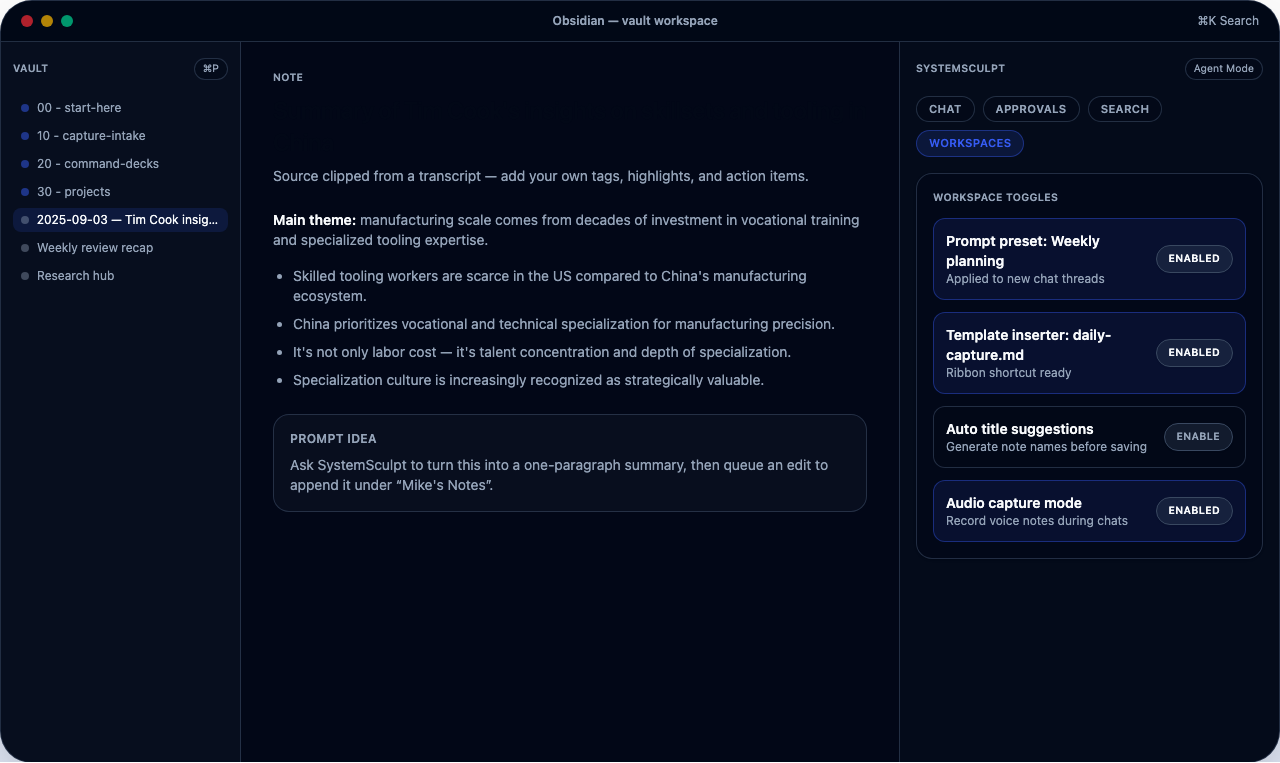
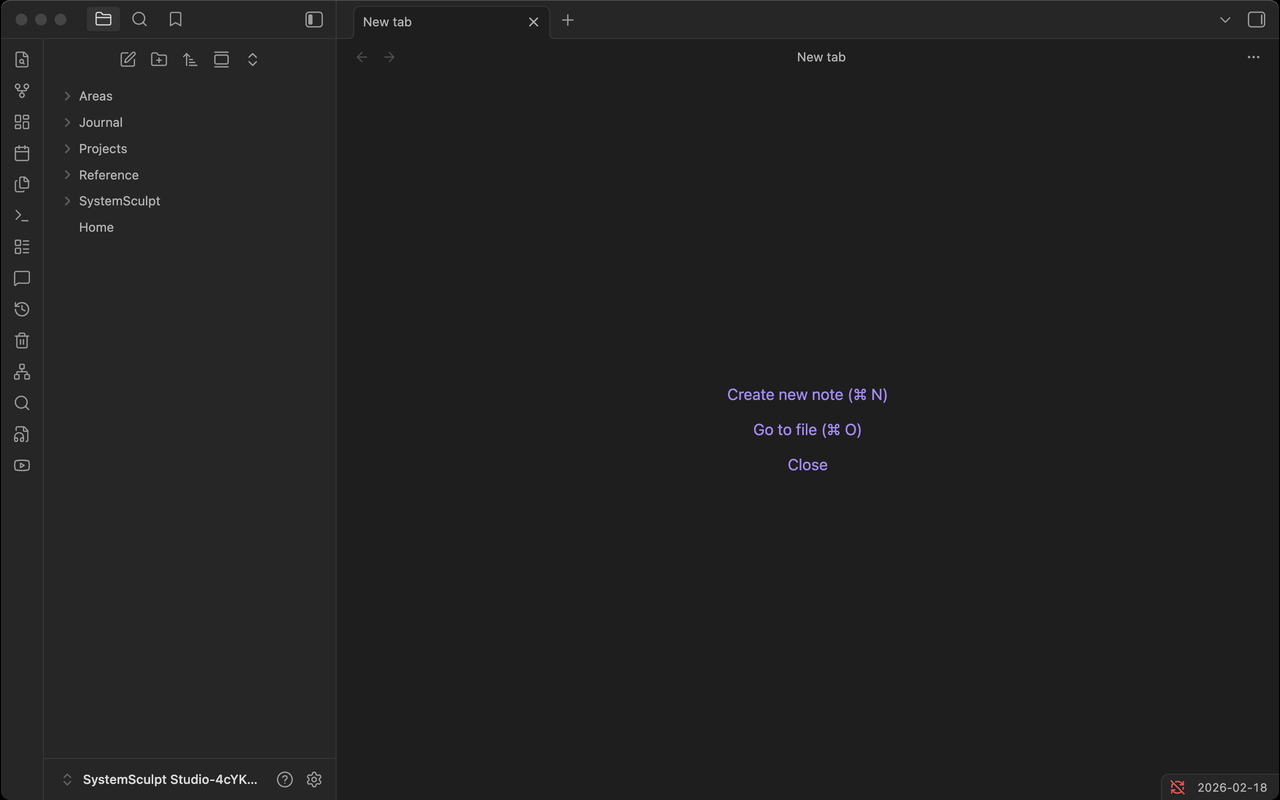
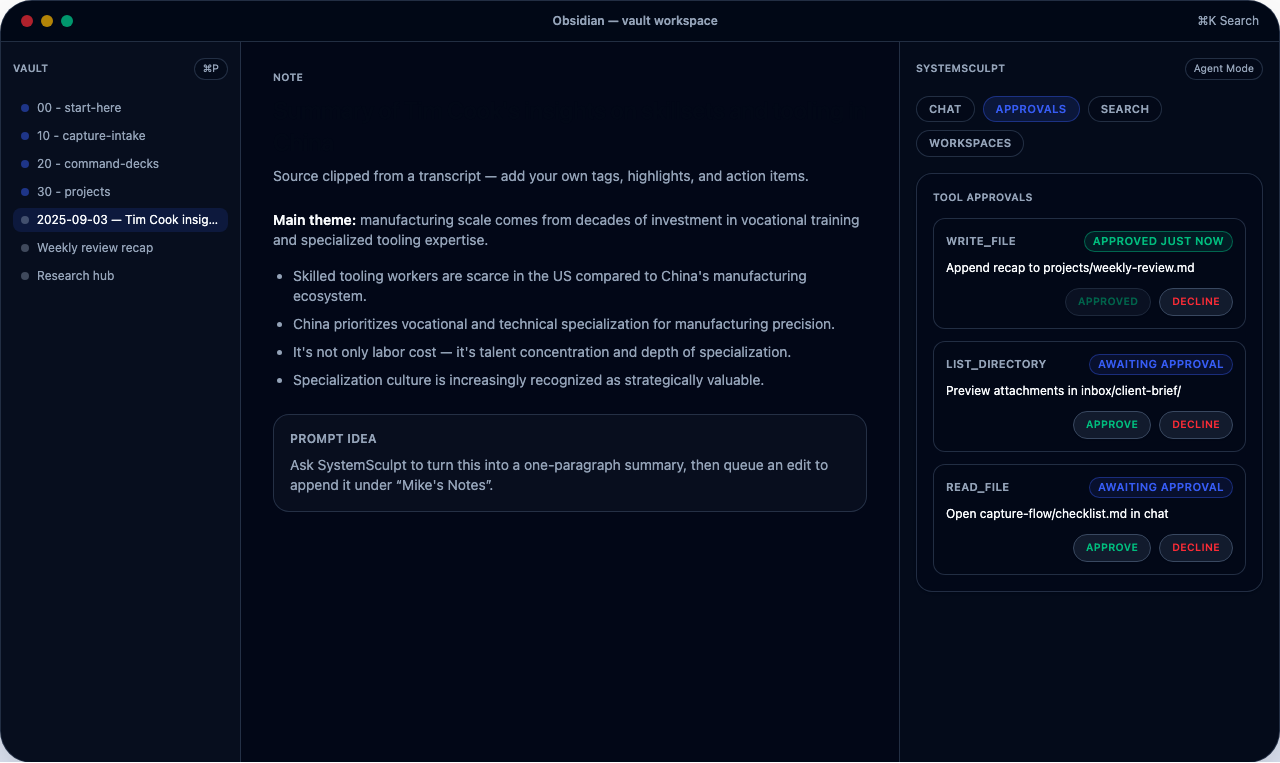
Day 4-5: tighten quality and approval controls
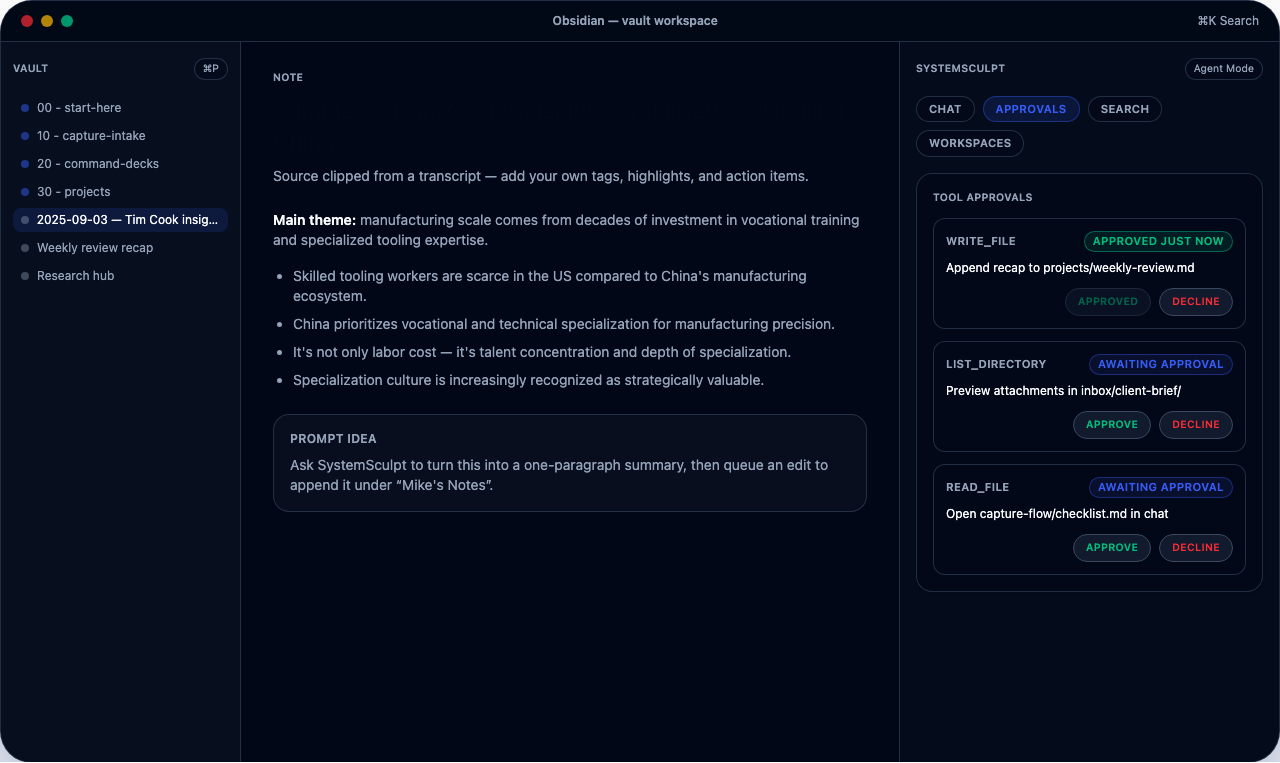
- Enable Vault workflows and approvals
- Review write diffs before every file change
Day 6-7: decide your scaling path
- Continue self-serve with templates and tools, or
- Move to implementation support through AgentOps Workflow Automation Build
What launched recently and why it matters
AgentOps business track + fixed workflow automation offer
I launched a services path for people who need production-ready AI operations with governance controls and one clear purchase path.
- Start here: AgentOps Workflow Automation Build ($1,000 fixed)
- Submit intake: Start intake
This path is best for founders and operators with owner, budget, and outcome clarity. The fixed $1,000 engagement includes scoped discovery, full implementation, launch, and 30 days of optimization, maintenance, and upgrades.
Native image generation in SystemSculpt
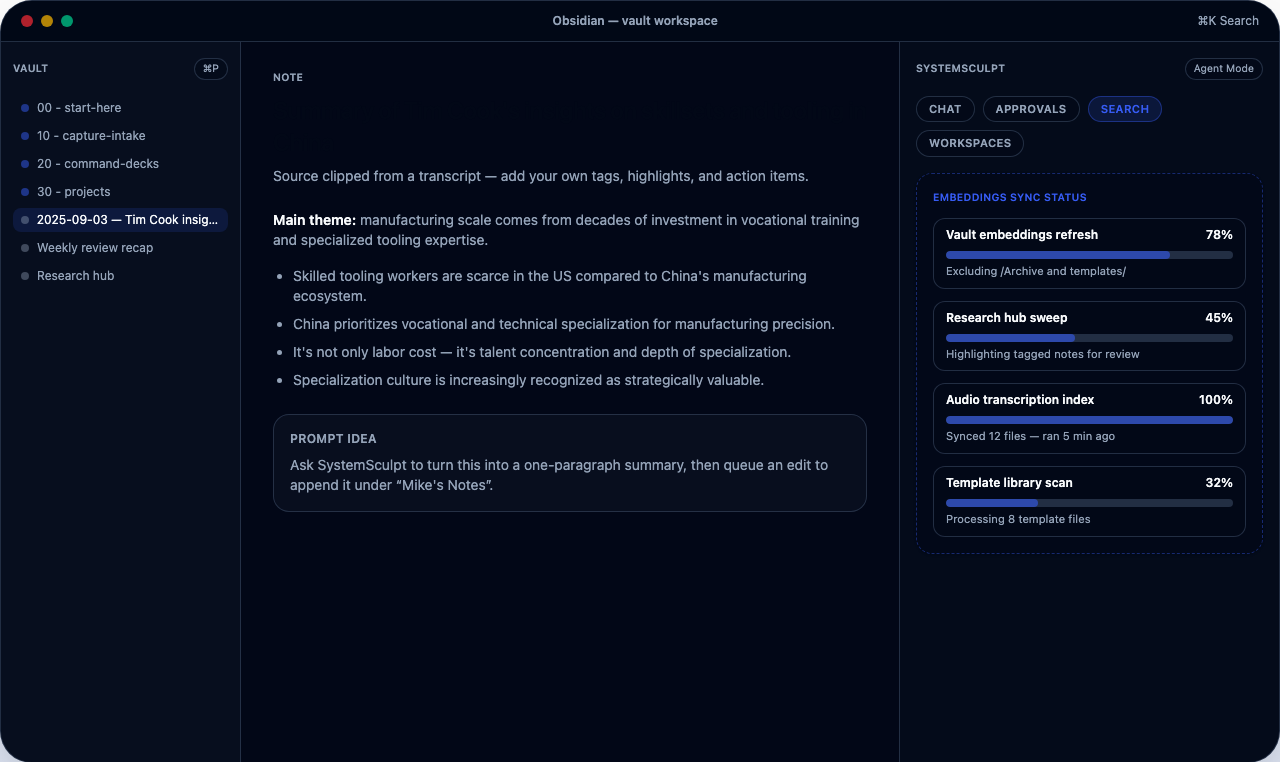
I also shipped native image generation so I can create visual assets and publish faster without leaving Obsidian.
- See plans and feature access: SystemSculpt Pro
- Setup and operating docs: SystemSculpt Docs
I use this to keep media production from blocking publishing.
Mistakes I see most often (and how I avoid them)
- Reading without choosing a path.
Fix: I pick self-serve or services on day 1. - Installing too many templates before shipping one real output.
Fix: I require one published artifact in the first week. - Skipping approvals because drafts look "good enough".
Fix: I use diff approvals on every write. - Publishing without distribution.
Fix: I pair each post with a workflow from/workflows.
Actionable checklist I run every week
- Review one new post and map it to one execution task.
- Update one vault workflow using a template or prompt from
/tools. - Ship one output with approvals enabled.
- Route readers to one primary CTA page.
- Note one bottleneck and turn it into next week's workflow experiment.
Start here
- Pricing: SystemSculpt Pro
- Documentation hub: SystemSculpt Docs
- Business offer: AgentOps Workflow Automation Build
- Business intake: Start intake
- Workflows: /workflows
- Featured workflow: X Growth Workflow: Turn One Post Into Qualified Leads
- Tool: Obsidian Daily Note Template
- Tool: Obsidian Weekly Review Template
- Tool: Obsidian Meeting Notes Template
- Tool: Obsidian Project Spec Template
- Tool: Obsidian Literature Note Template
- Tool: Obsidian Vault Cleanup Checklist
- Tool: Obsidian AI Prompts